SCAN CLEANUP
Reduce the lines.
Keep the card’s detail.
Adjustable streak cleanup is designed to target scan artifacts while keeping printed artwork and text as intact as possible. Review the preview before exporting.
01MADE FOR CARD SELLERS & COLLECTORS
Clean up scanned trading-card images, tame distracting lines, and export a polished batch—without turning your workflow into a photo-editing project.
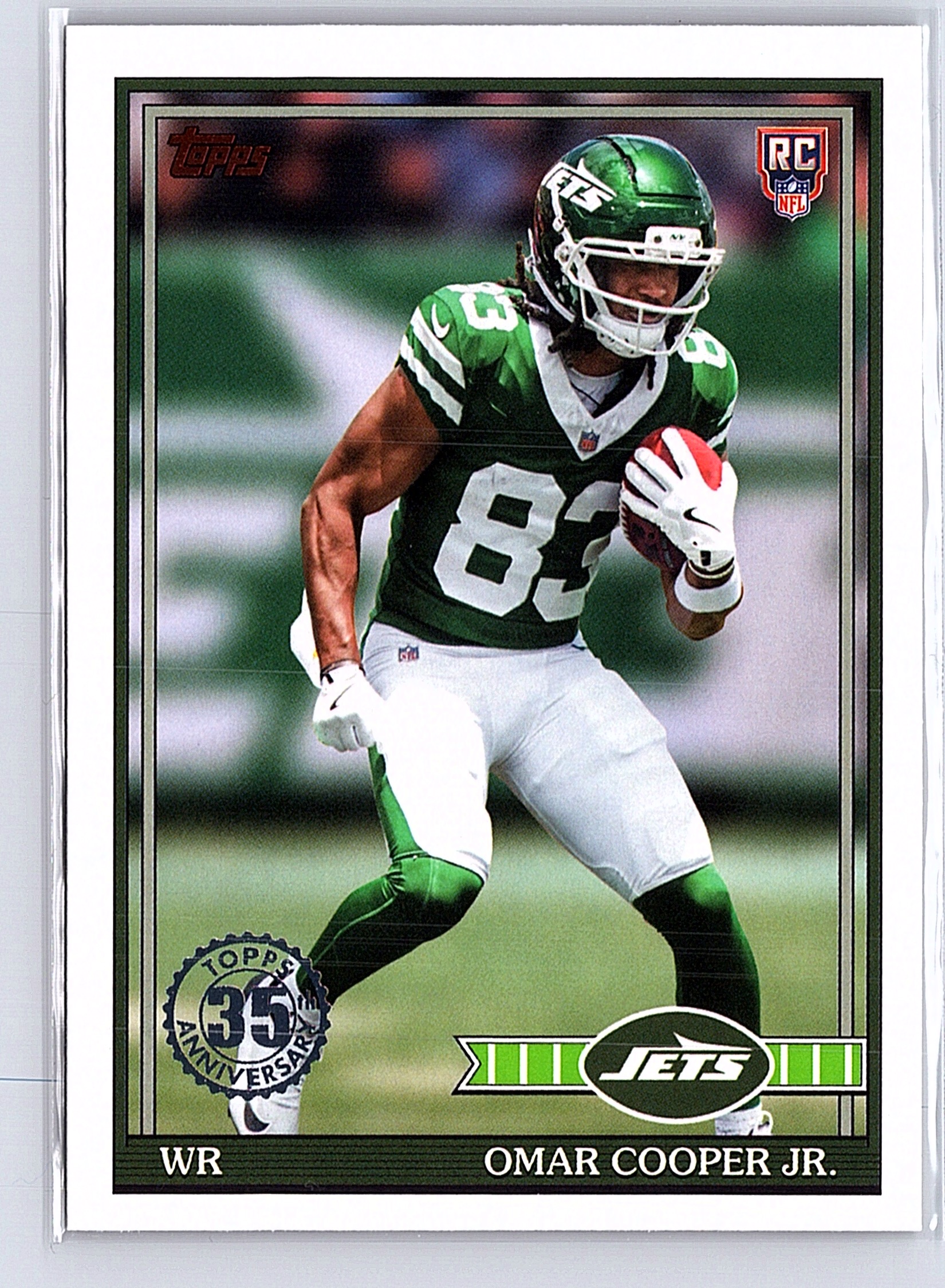
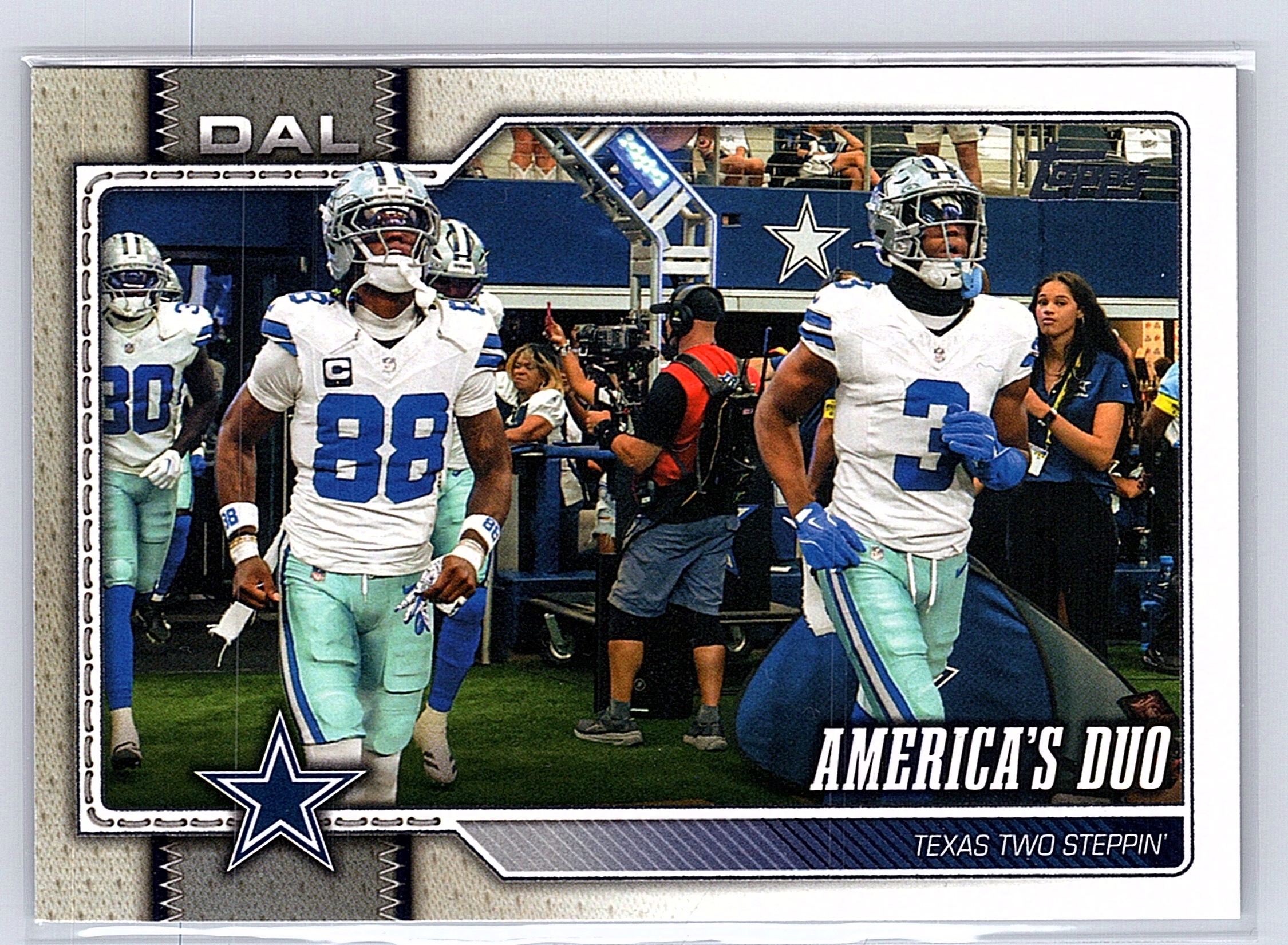
Built around the work sellers actually need to do between scanning a card and adding it to an inventory or selling platform.
SCAN CLEANUP
Adjustable streak cleanup is designed to target scan artifacts while keeping printed artwork and text as intact as possible. Review the preview before exporting.
01BATCH EDITING
Add multiple images, keep their upload order, tune the result, and export the edited batch together.
02FLEXIBLE EXPORTS
Save individual images or collect a batch into a ZIP. Choose an export format that fits your listing process.
03SELLER BRANDING
Place a custom text or image banner over a scan or around the card, then adjust size, alignment, type, and color.
04BUNDLE COLLAGES · PAID PLANS
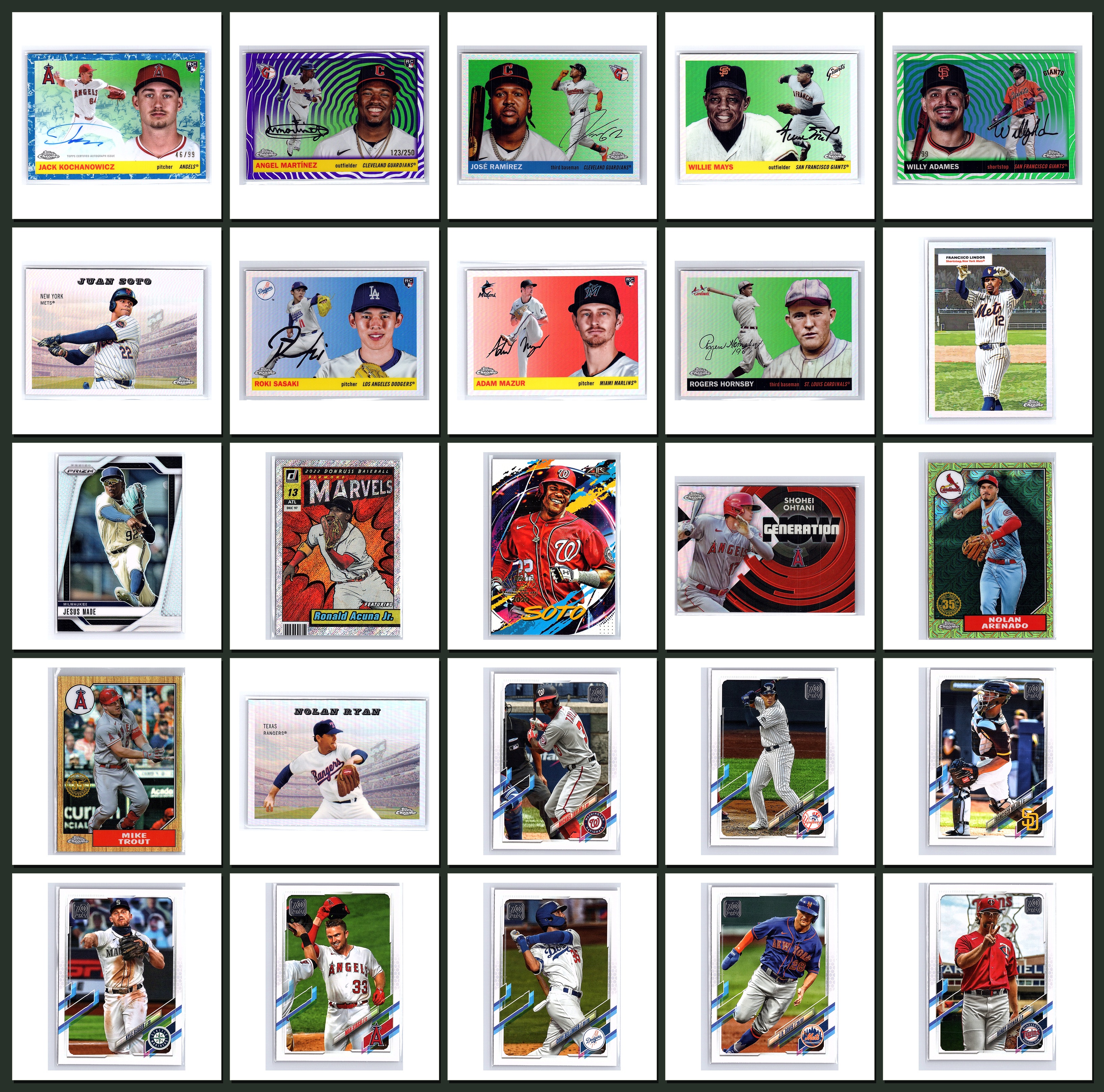
Select and arrange up to 25 cards, choose a 5-column layout and background, then export a bundle collage for a sale post.
CardSpectra is an image-improvement tool for the step before your listing workflow—not a replacement for your inventory platform.
Choose one image or add a batch. Your upload order stays organized.
Adjust streak cleanup, color, contrast, and optional branding against the original.
Save the images you changed, bundle a batch, or create a collage for a lot listing.
See the desktop workflow, including live cleanup controls, batch exports, custom branding, and the 25-card collage builder.
YOUR IMAGES STAY YOURS
Image processing runs on your computer. Account and scan allowance checks require an internet connection; image files are not uploaded to CardSpectra’s service for processing.
Choose a plan for your scanning workflow. Sign-in and plan management are available in the app.
START HERE
$0 / month
Try the cleanup workflow on your own scans.
FOR REGULAR LISTING
$6.99 / month
More monthly room for a growing collection.
FOR ACTIVE SELLERS
$14.99 / month
A bigger allowance and bundle-ready tools.
Need an occasional top-up? Optional packs are configured at 100 scans for $4.99 and 500 scans for $14.99. Purchased scans remain until used. Prices and availability are subject to change before launch.
CARDSPECTRA BY GRUMPZLABS
Prefer not to install anything? The full browser-based app is ready to use. Desktop is an optional download.